Your clothes, on your shopper.
Add a try-on button to your product pages. Shoppers upload one photo and see the garment on themselves before they buy.
Free during the pilot. 25 try-ons a month, no card needed.
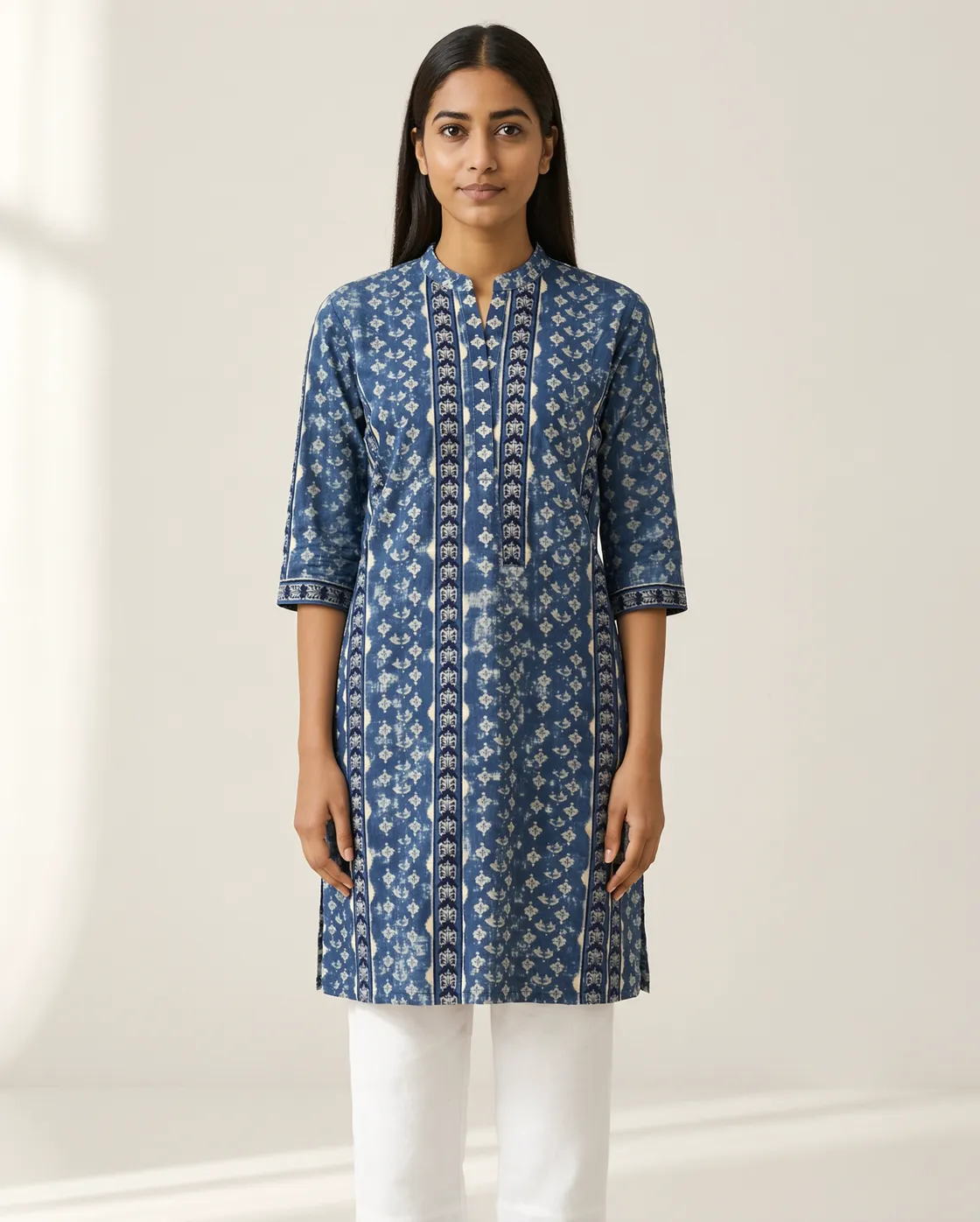
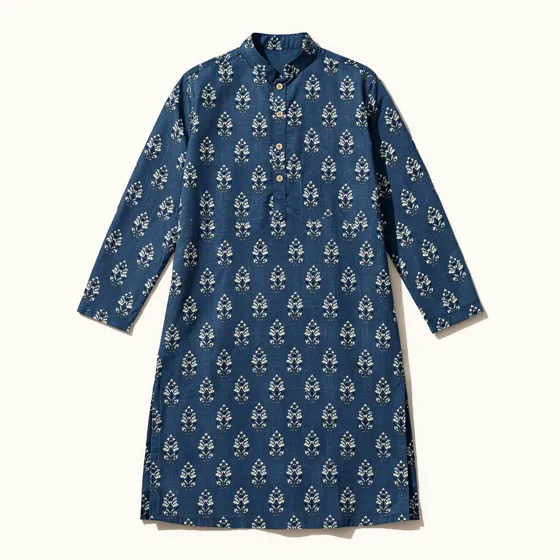 Your product photo
Works on
ShopifyWooCommerceWixCustom-built stores

How it works
Live in three steps
-
Bring your catalogue
Paste your store URL, upload product images, or import a CSV. Each product is sorted by garment type for you.
-
Paste one script tag
The button only shows on pages that have a try-on product, so nothing else on your site changes.
-
Watch what it does
See views, try-ons and add-to-carts for every product, plus shopper feedback on each preview.